Theme features
Everything Aurelia can do, and how to set it up.
Aurelia is a dark, cinematic Ghost theme for luxury magazines, culture publications and anyone who wants their stories to feel like an event. Night and champagne gold, glass surfaces, a serif made for long titles and a few carefully measured effects.
Here is what the theme does and how to set it up. Everything is available out of the box, without code.
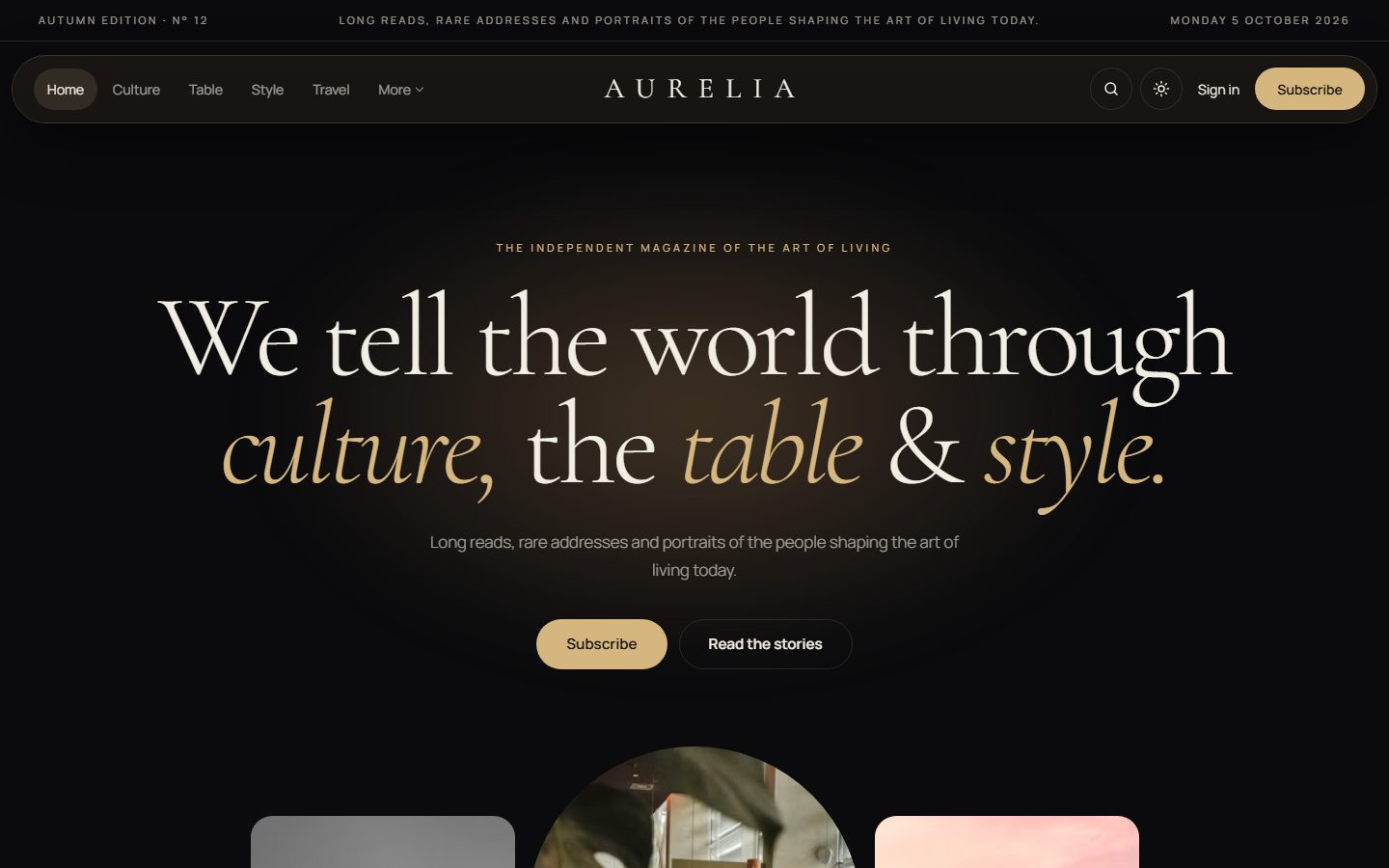
A statement, not a banner
The homepage opens with one large sentence, set in Cormorant Garamond, whose words rise one after another. Wrap any word in asterisks in the settings, like *style*, and it turns gold and italic. Below it, a strip of five photos from your latest stories moves gently as you scroll, the central one shaped like an arch.
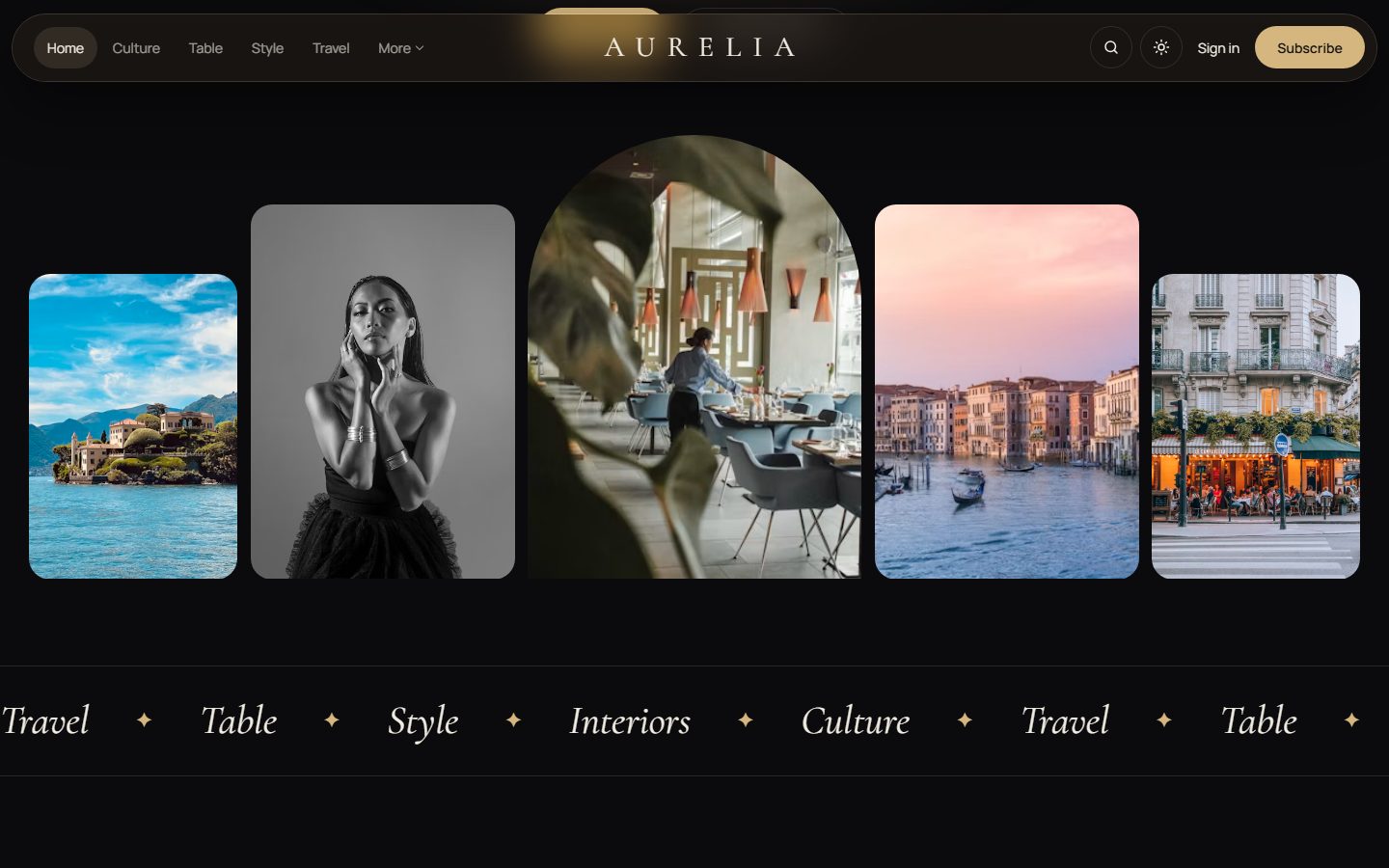
The cover story
Mark a post as Featured and the most recent one becomes the cover story: a very large image revealed as it enters the screen, the title on seven columns and the excerpt on four, like a magazine spread.
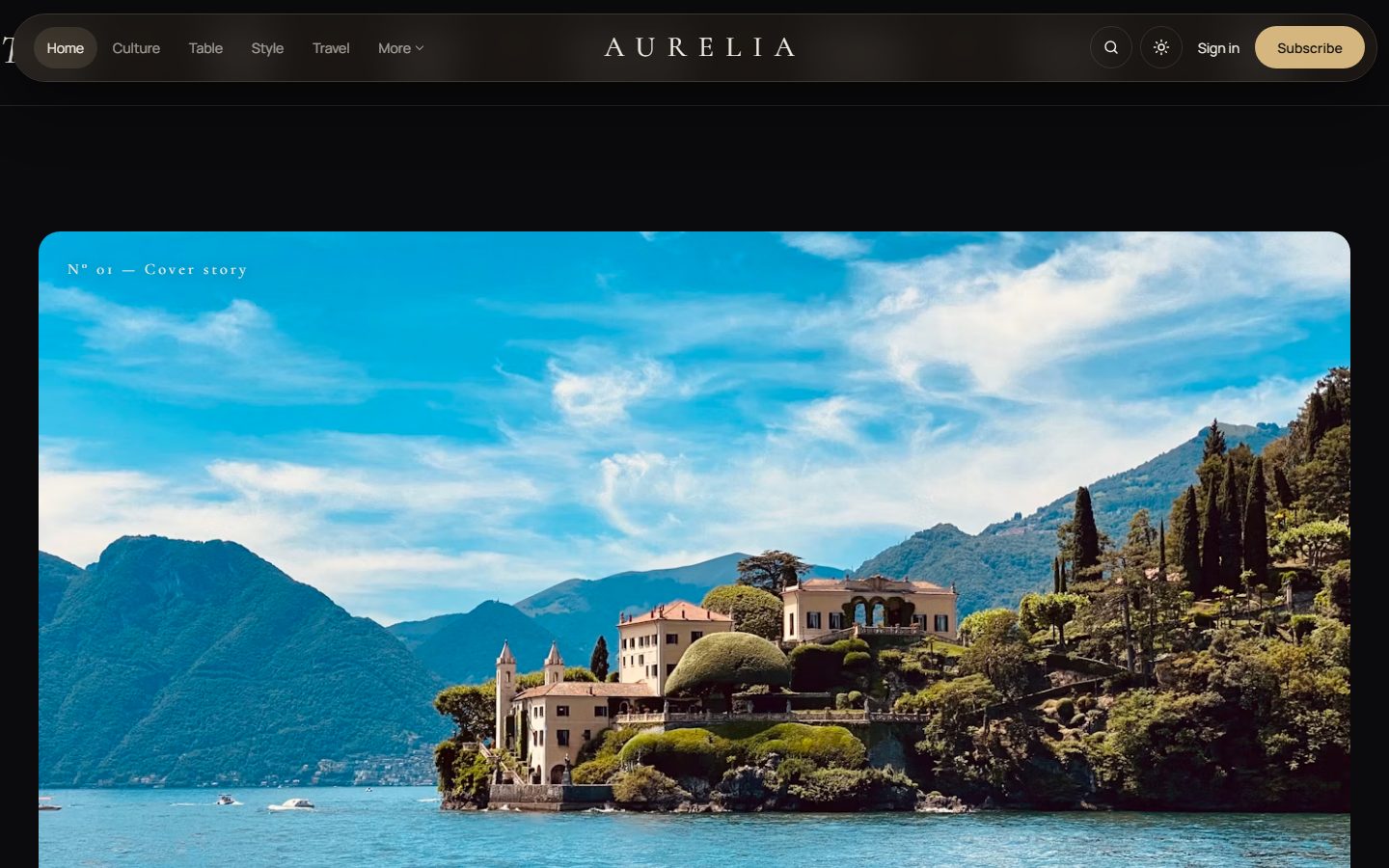
Not to be missed
A horizontal carousel highlights a hand-picked selection. Tag posts with the internal tag #selection to add them; readers browse with the arrows, by dragging with the mouse or by swiping, while a gold line shows their progress.
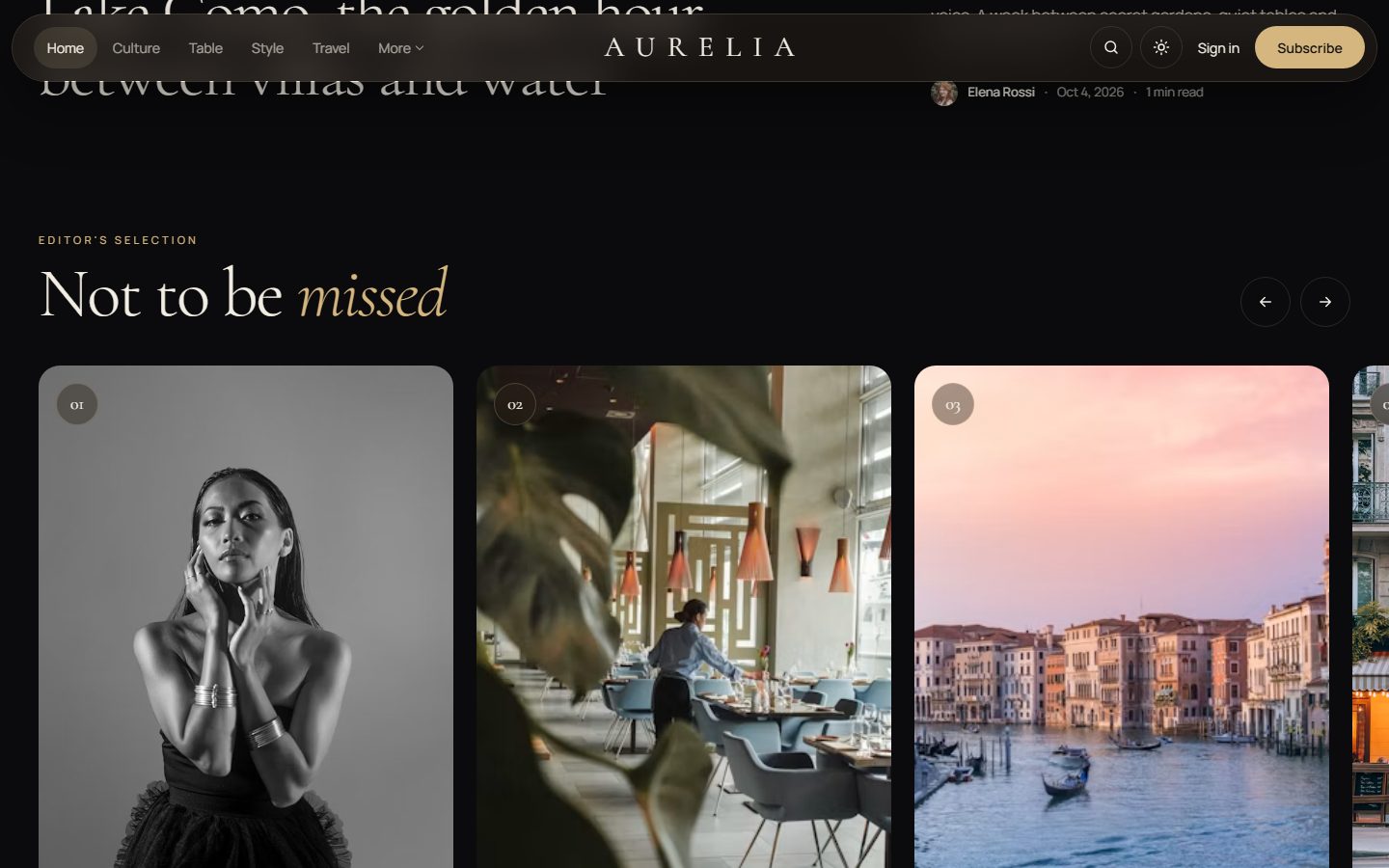
The journal
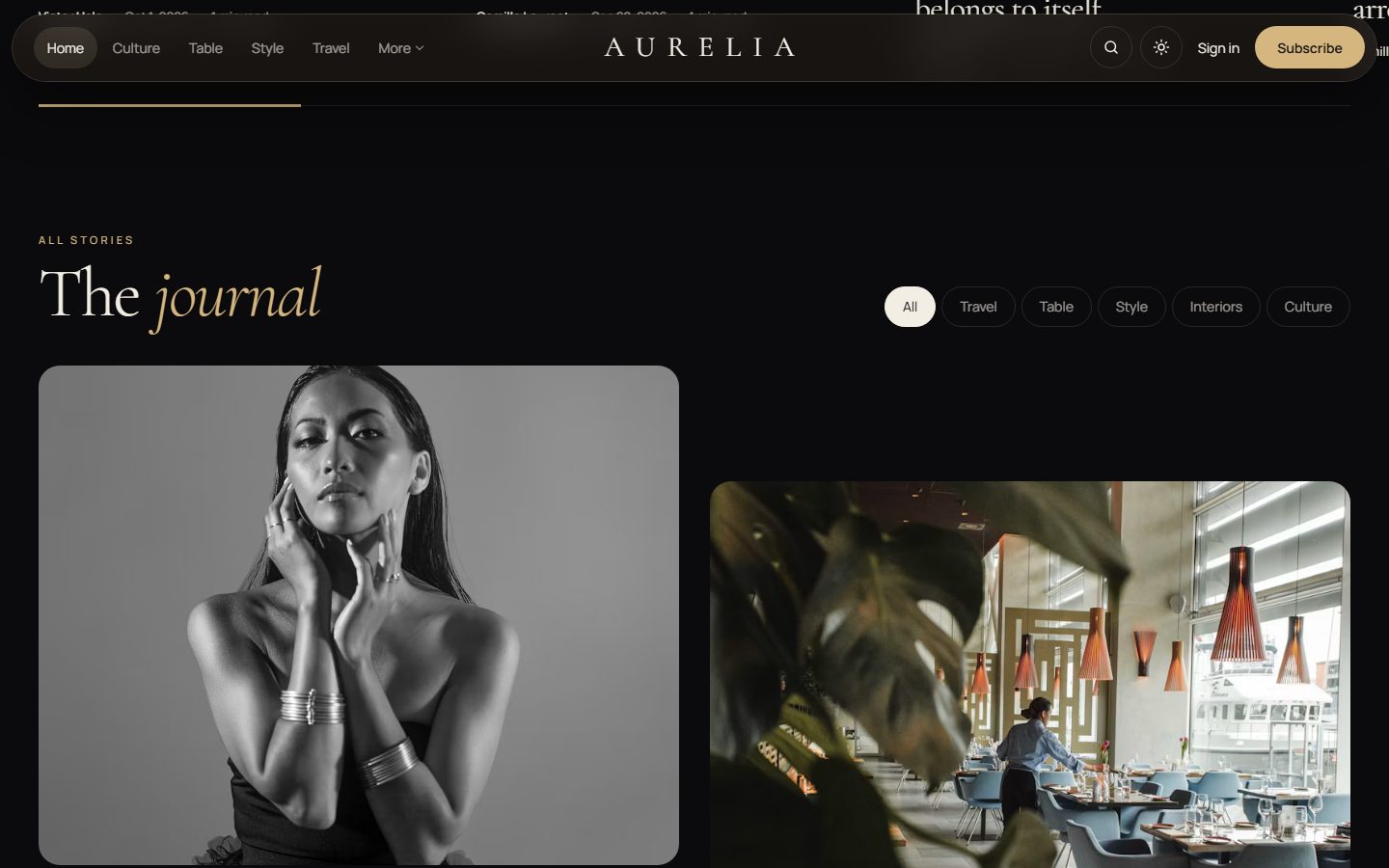
All your stories appear in two staggered columns, with topic filters that work instantly and a Load more button. Members-only stories carry a glass badge.
Long reads, beautifully set
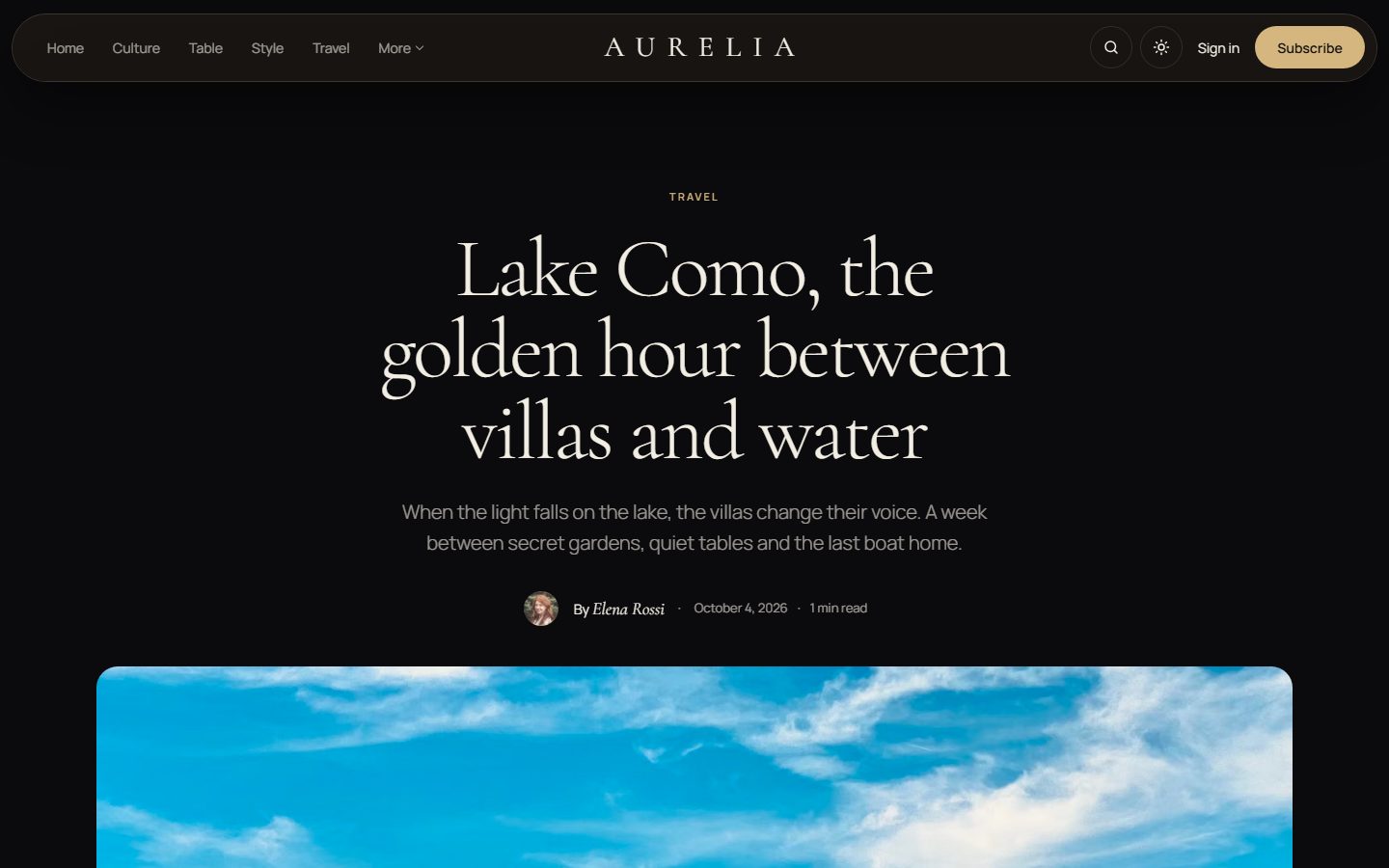
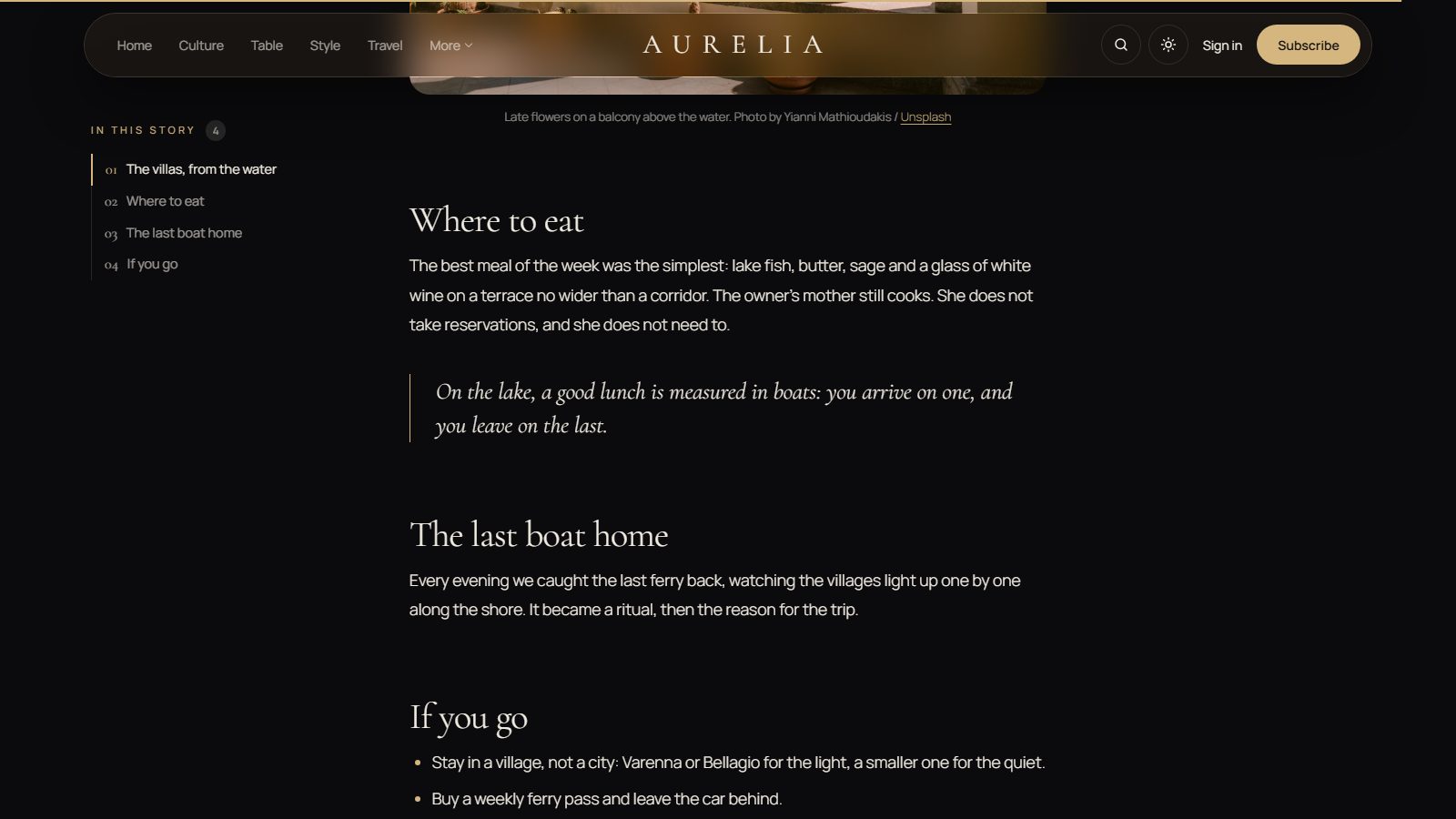
Articles open with a centered title, a gold drop cap and generous spacing. Long stories get a table of contents with a gold rail that follows the reader, and a thin reading progress bar.
Covers for topics and authors
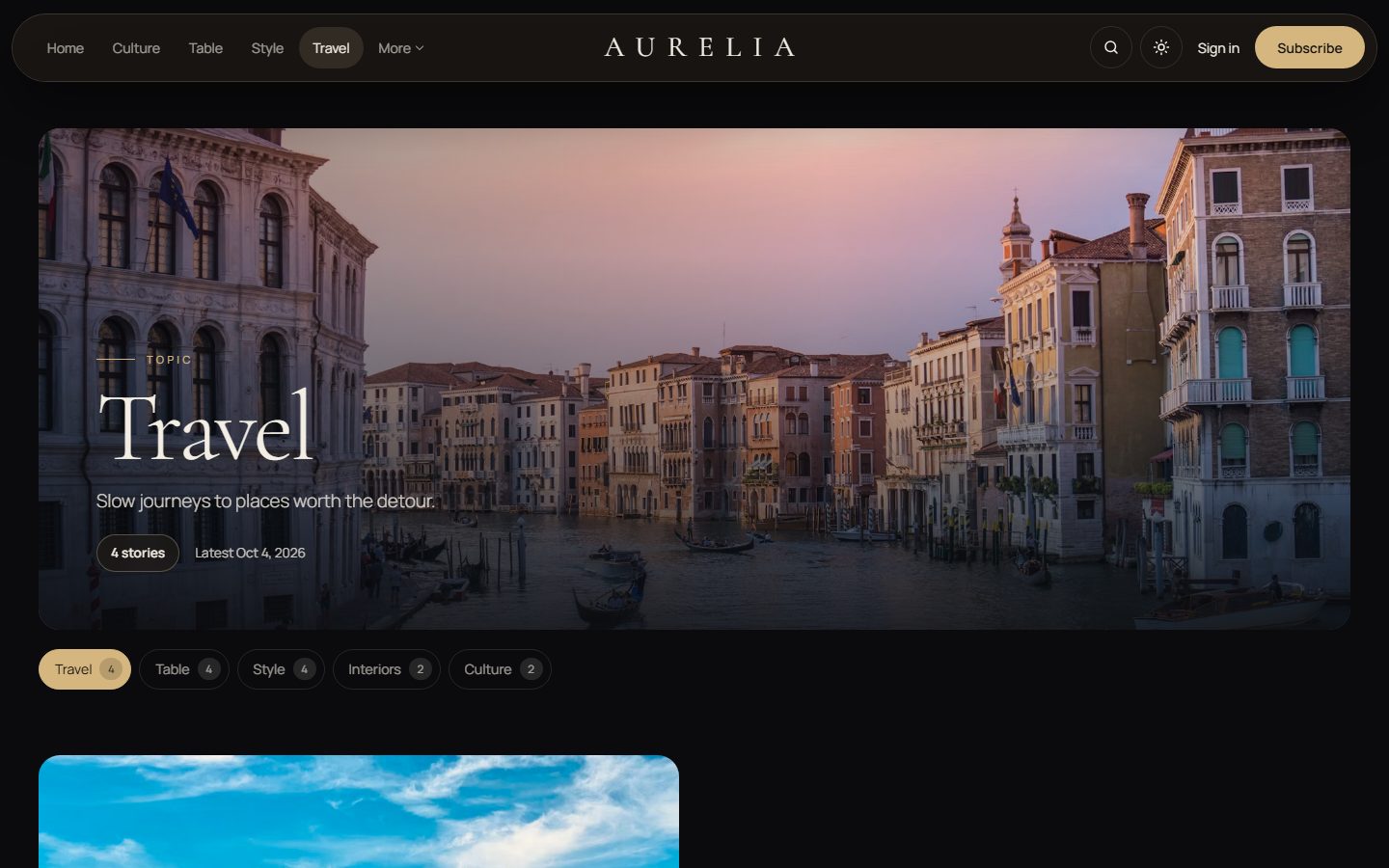
Tag and author pages open with a cinematic cover. Without an image, the cover switches to deep brown with the name as a giant gold outline. Chips underneath let readers jump to another topic or writer.
A newsletter in glass
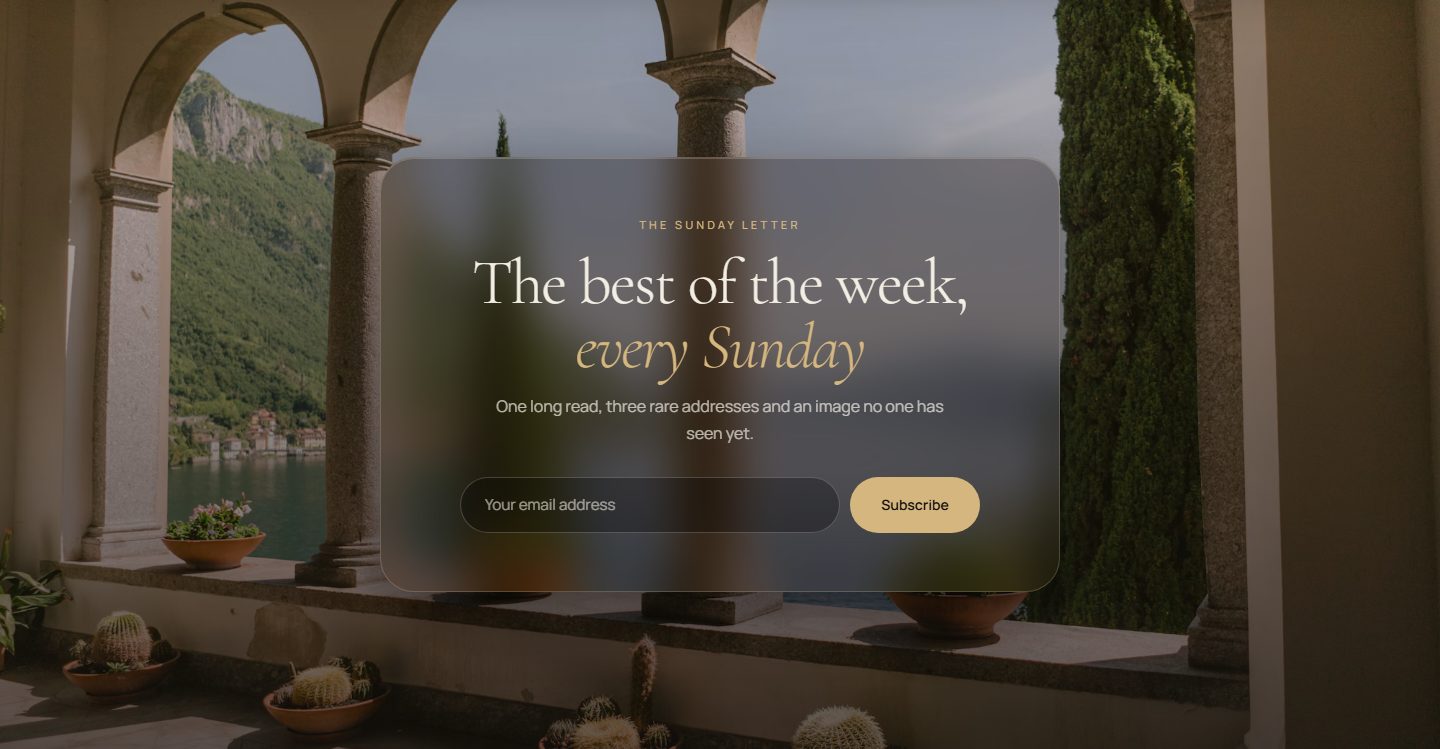
Every page ends with a full-bleed photo and a glass card inviting readers to subscribe. Heading, text and photo are yours to choose.
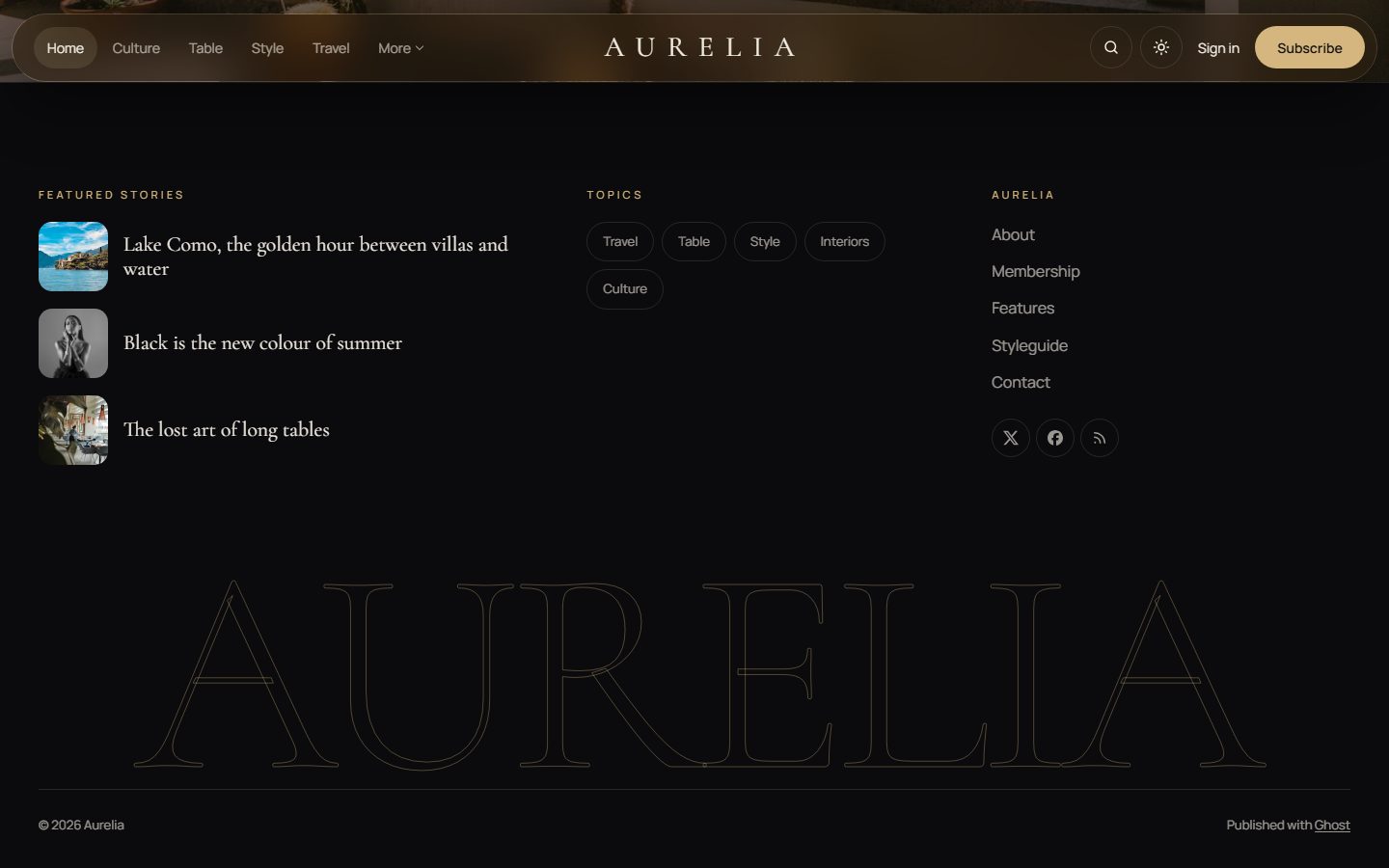
A footer worth scrolling to
Three columns, your featured stories, your topics and your navigation, then your publication’s name as a giant gold outline.
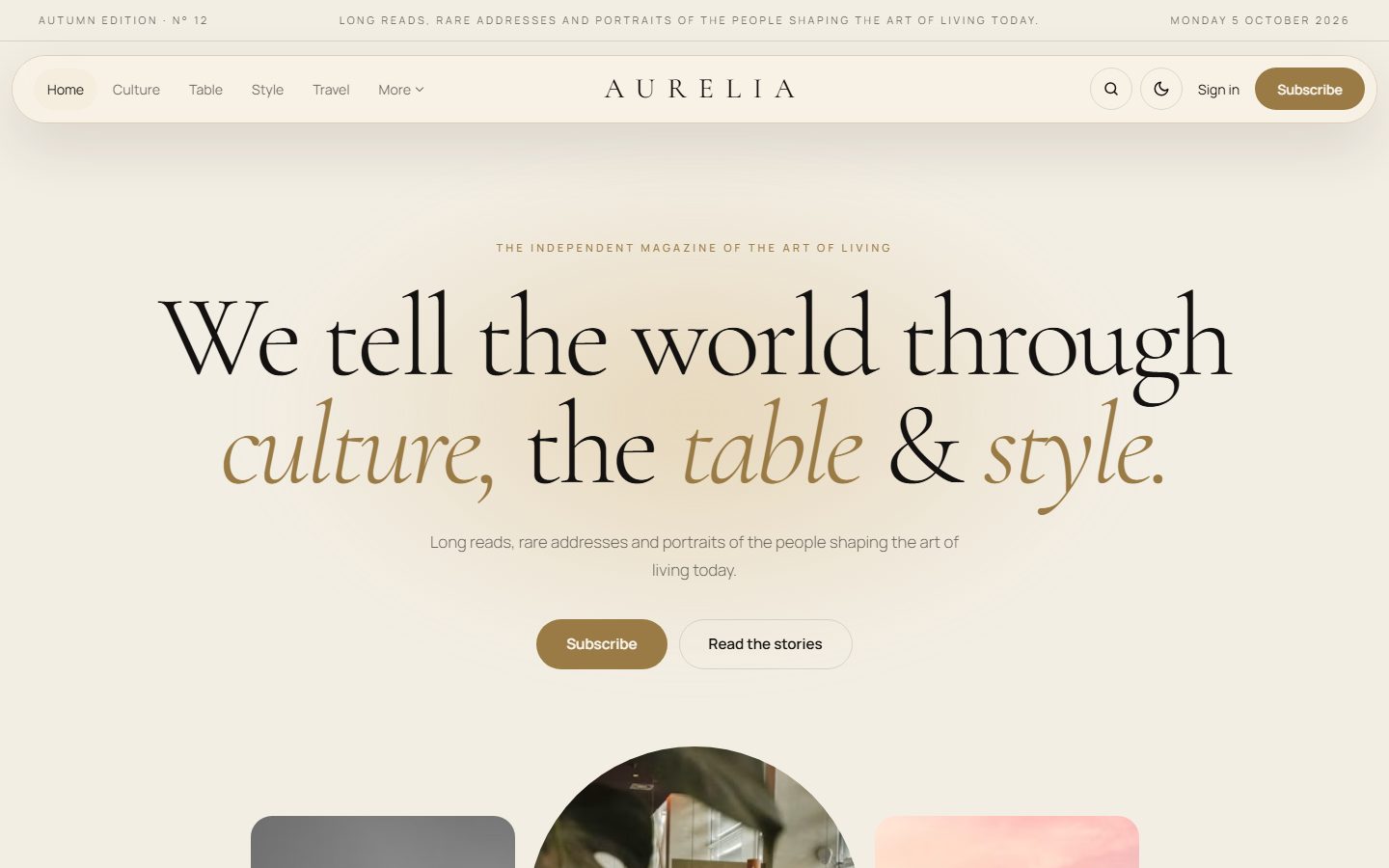
Night or ivory
Aurelia is dark by default, but also comes in a warm ivory scheme. Choose Dark, Light or Auto, and readers can switch at any time.
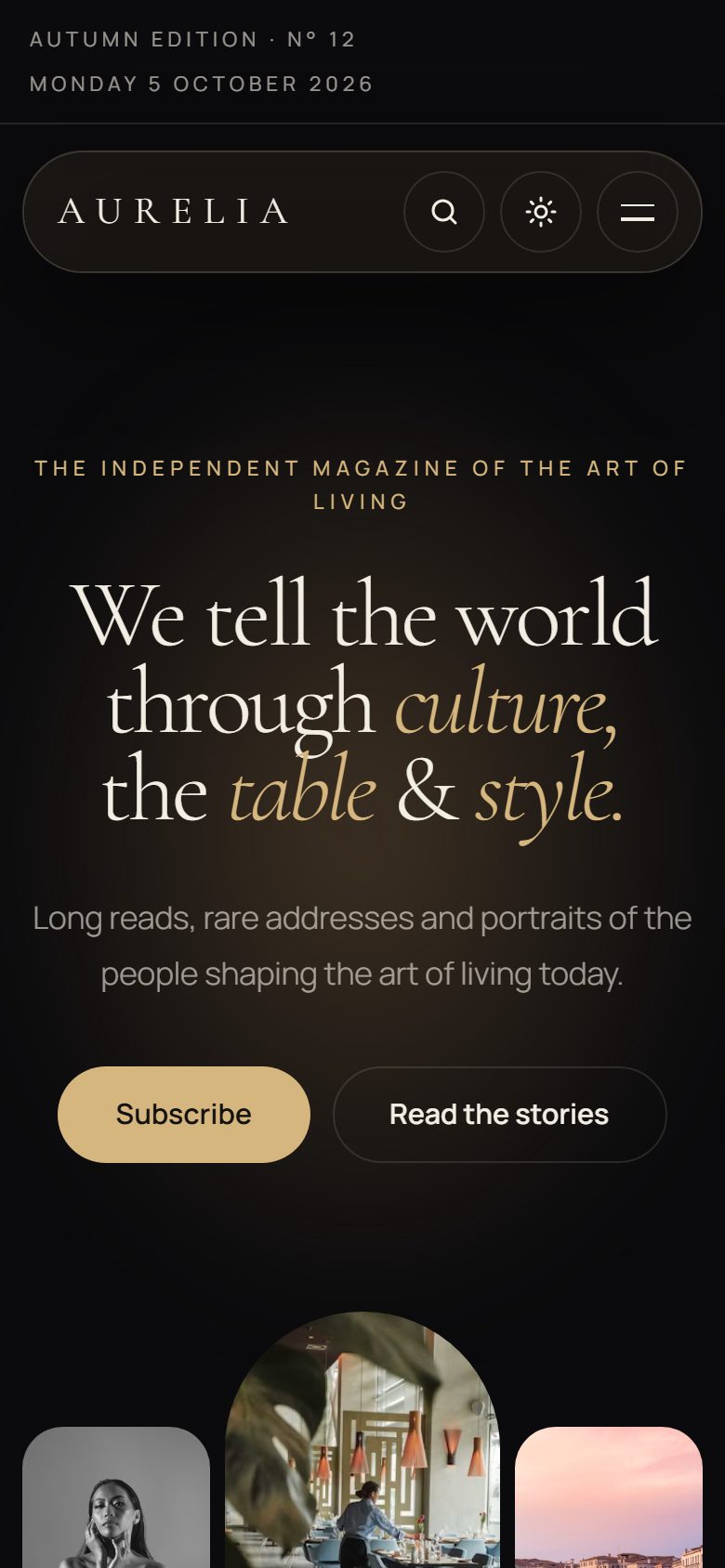
On every screen
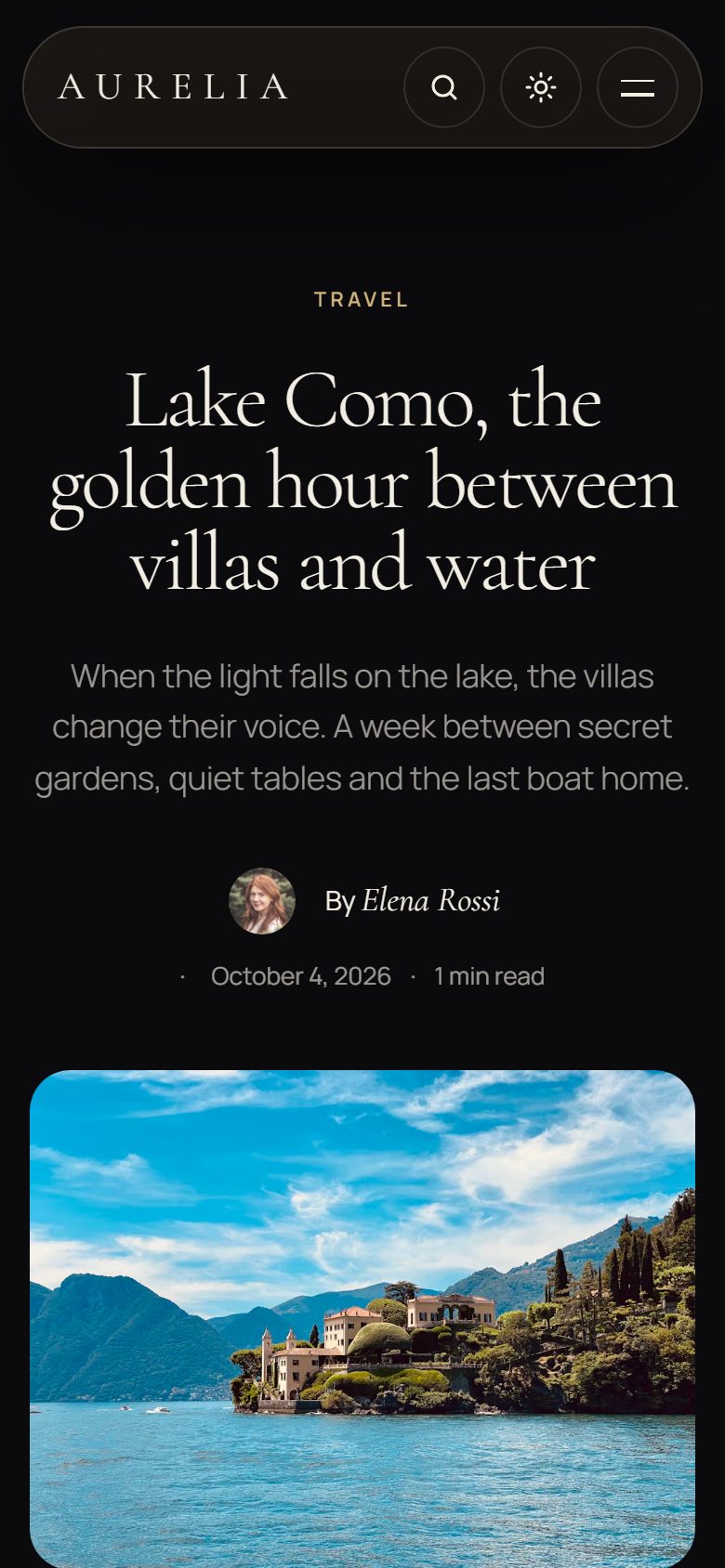
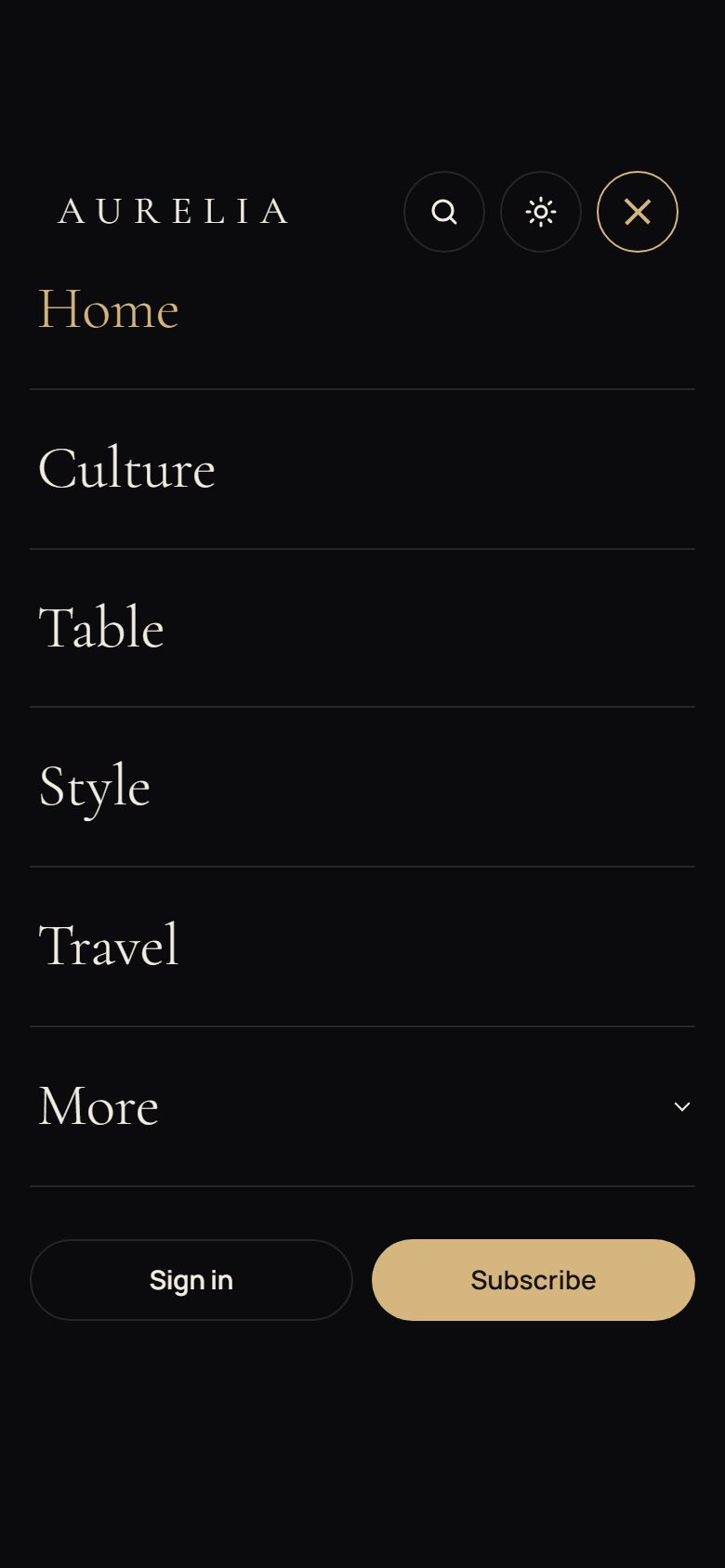
Theme settings
All options live in Settings → Design & branding.
- Homepage sections: edition bar, statement, photo strip, topic band, cover story, carousel and journal filters, each switchable on or off, plus the newsletter on every page.
- Words: edition line, statement, carousel heading, newsletter heading and text, with
*gold*words. - Color scheme, a logo for the light scheme and the film grain.
- Other social links next to Ghost’s own social accounts, and a table of contents on long articles.
Everything Ghost offers
- Members, free and paid subscriptions, members-only stories.
- Newsletter signup connected to Ghost, native search, comments.
- All editor cards, shown on the Styleguide page.
- SEO metadata, responsive images and a fully translatable theme.
- Every effect is turned off for readers who prefer reduced motion.
